LA BASE DE DONNÉES MONDIALE SUR LA SANTÉ DE L'ENFANT
全球儿童健康资料库

Sync connects the app on your phone with your team's database on childhealth.maventy.org. It downloads all patients and visits from your database and uploads records you've entered on your phone.
This includes deletions: if you delete a patient or visit on your phone, it's deleted everywhere the next time you sync.
The app is designed for offline work — record visits without any internet connection, then sync whenever you're back in range.
Sync is a good fit if either of these apply:
The app works whether or not you have reliable internet. You can record data without an internet connection, and sync when you get back online. If you always have internet, sync whenever you want.
You'll need an account at childhealth.maventy.org. If you don't have one, register for free.
You'll need to belong to the database you want to use for sync. If you're not in one yet, join or create one:
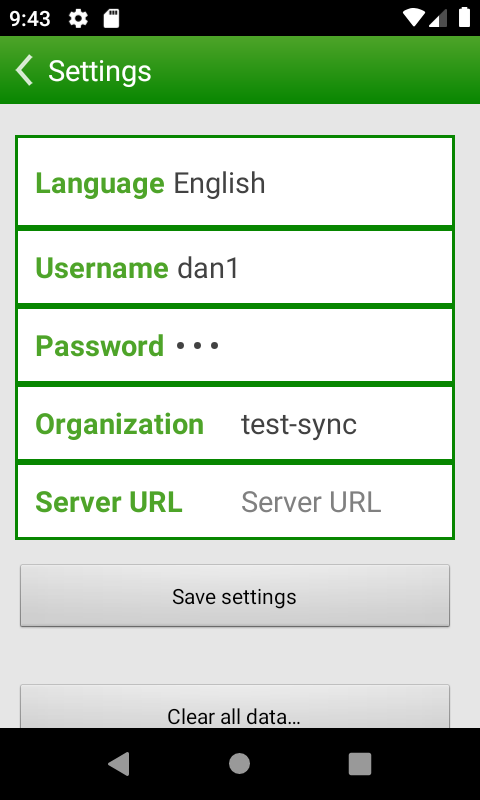
Open Settings in the app and enter your childhealth.maventy.org username and password. The app remembers these — you only need to do this once.
Screenshots below show test data; your screen will look different.
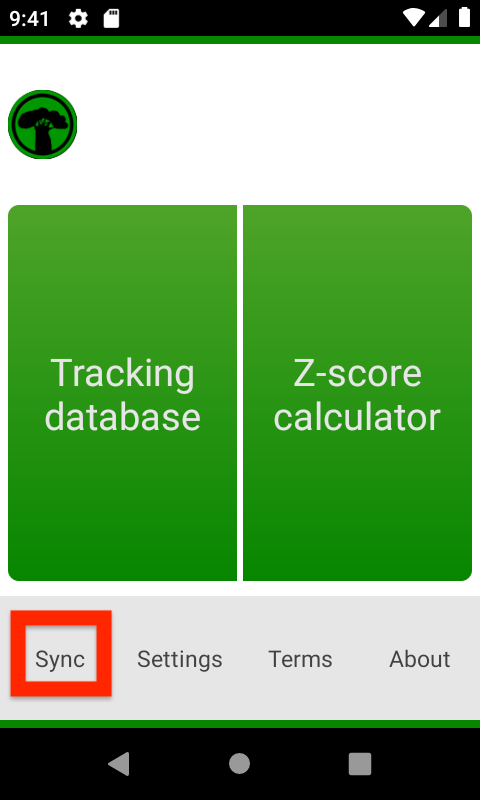
From the main screen, tap Sync, then tap Sync Now.
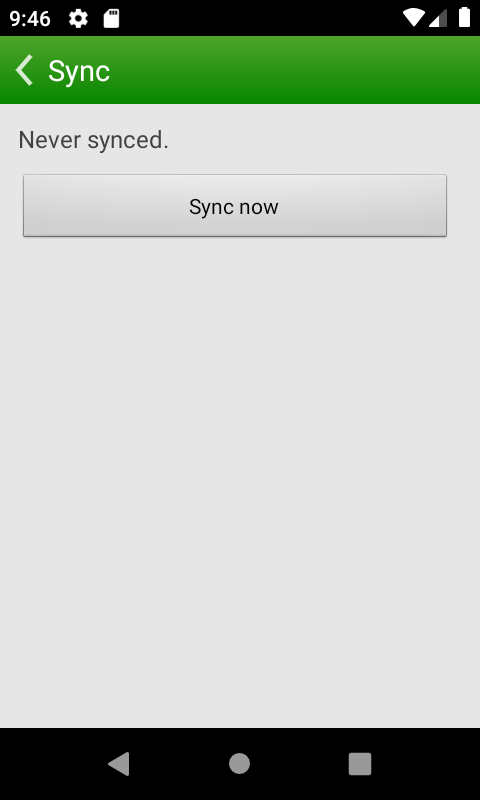
A progress bar shows how the sync is going. You can stop and resume at any time — the next sync will pick up where it left off. When sync completes, you'll see a summary of what was downloaded and uploaded.
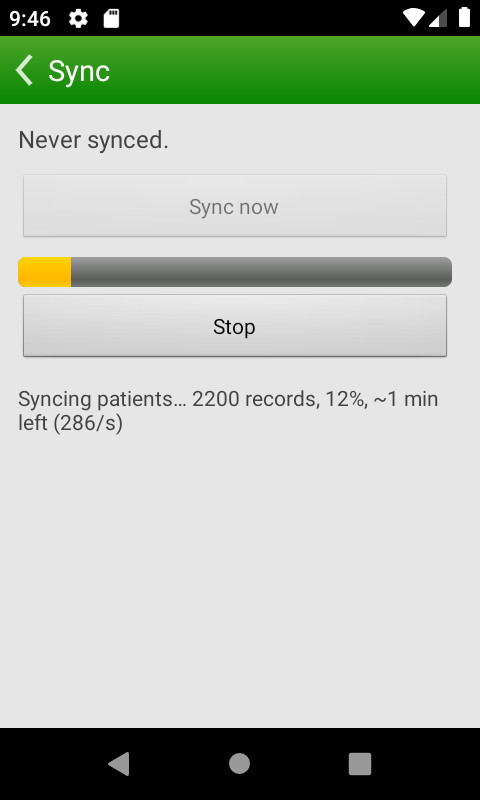
The first sync downloads all data for your database. Storage on your phone is roughly 200 bytes per patient and 400 bytes per visit. Data is compressed during transfer, so the download is significantly smaller than the storage it uses on your phone. For example, a database with 17,000 patients and 90,000 visits downloads about 10–15 MB and uses about 36 MB of phone storage.
After the first sync, only new changes are transferred, so later syncs are much faster and use much less data.
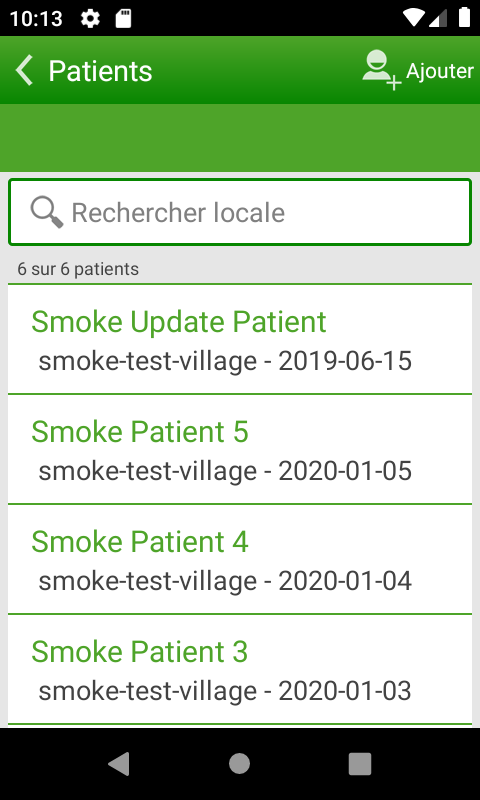
After syncing, tap Tracking database to search by name or location.
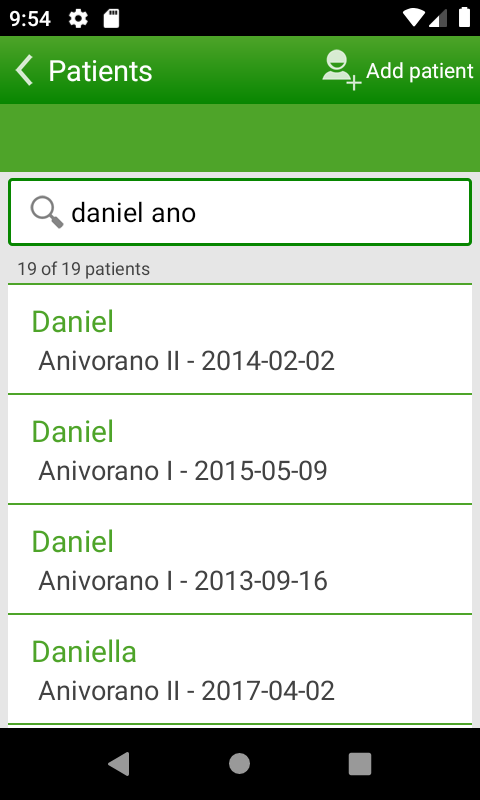
The app is available in French, Spanish, and Portuguese.
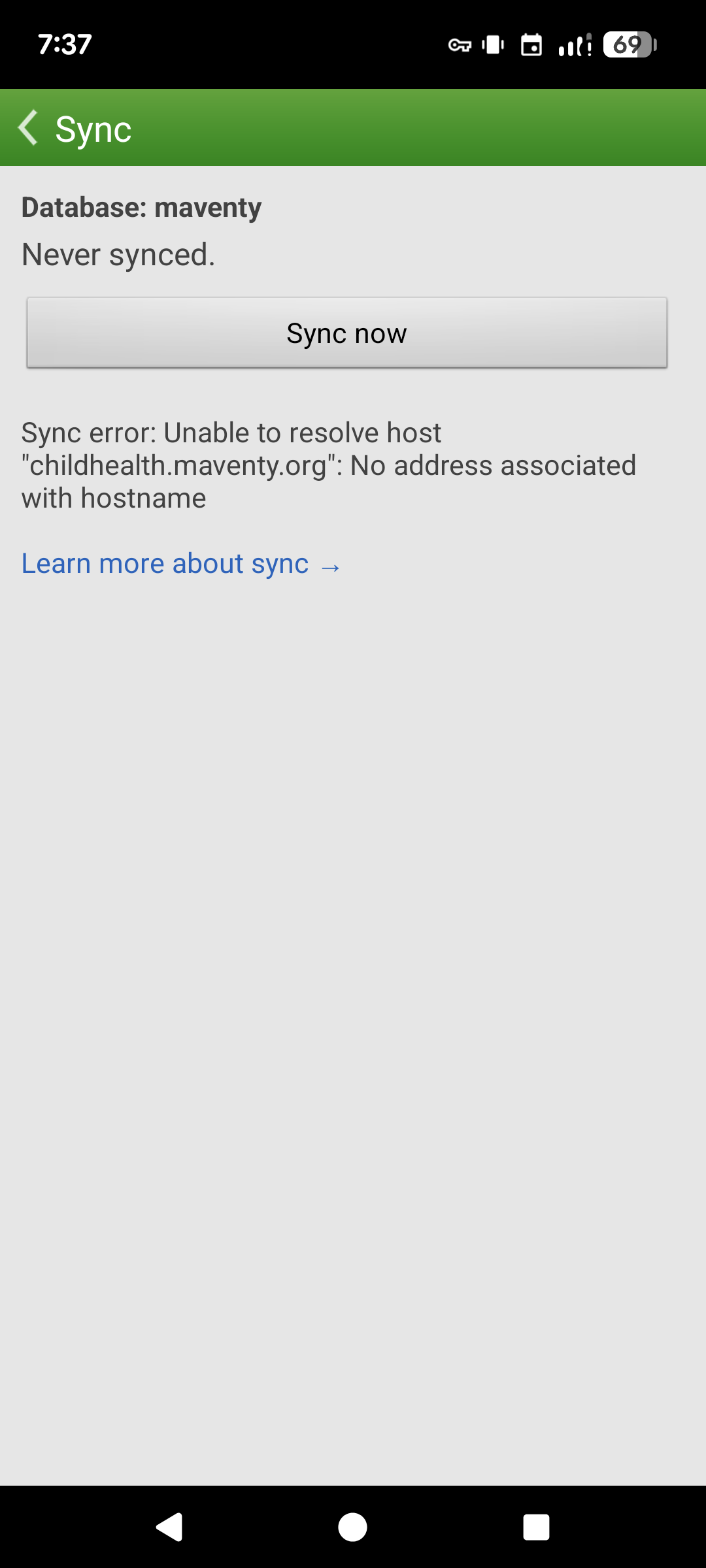
This usually means your phone lost its wifi or data connection. Just tap Sync now again — it will pick up where it left off.
Contact us if you run into any issues or have questions.